Overview
Use the SRS Outline flow when you want AI to draft the structure quickly. It guides you step by step and then converts the outline into a full SRS document.
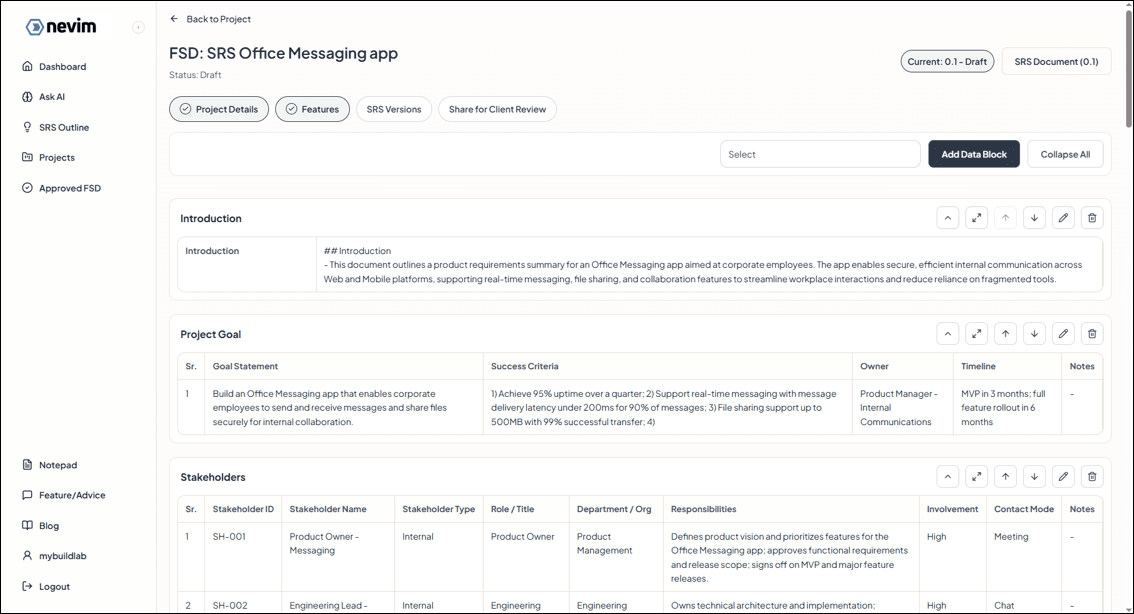
What the system generates for you
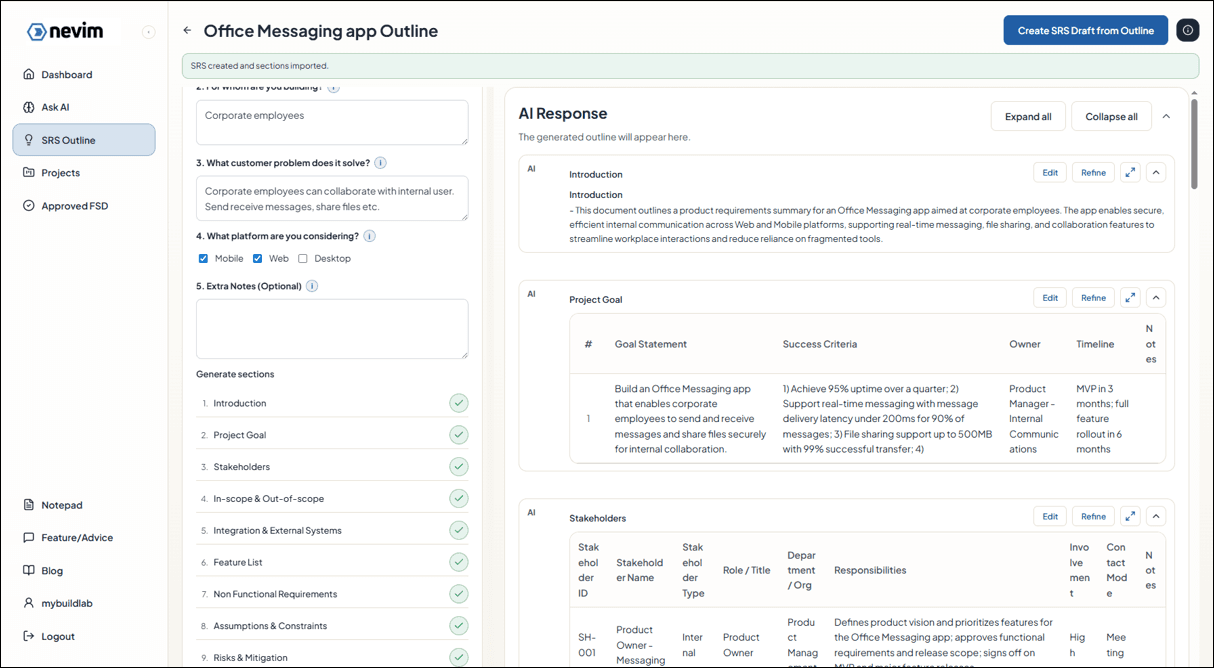
These sections are created from your outline so the SRS starts organized and review-ready:
- Introduction: Overview of what you are building and why.
- Project Goal: Business outcome, success criteria, owner, and timeline.
- Stakeholders: Key people or teams, roles, and responsibilities.
- In-Scope & Out-of-Scope: What is included now vs explicitly excluded.
- Integration & External Systems: Third-party systems, data exchanged, and ownership.
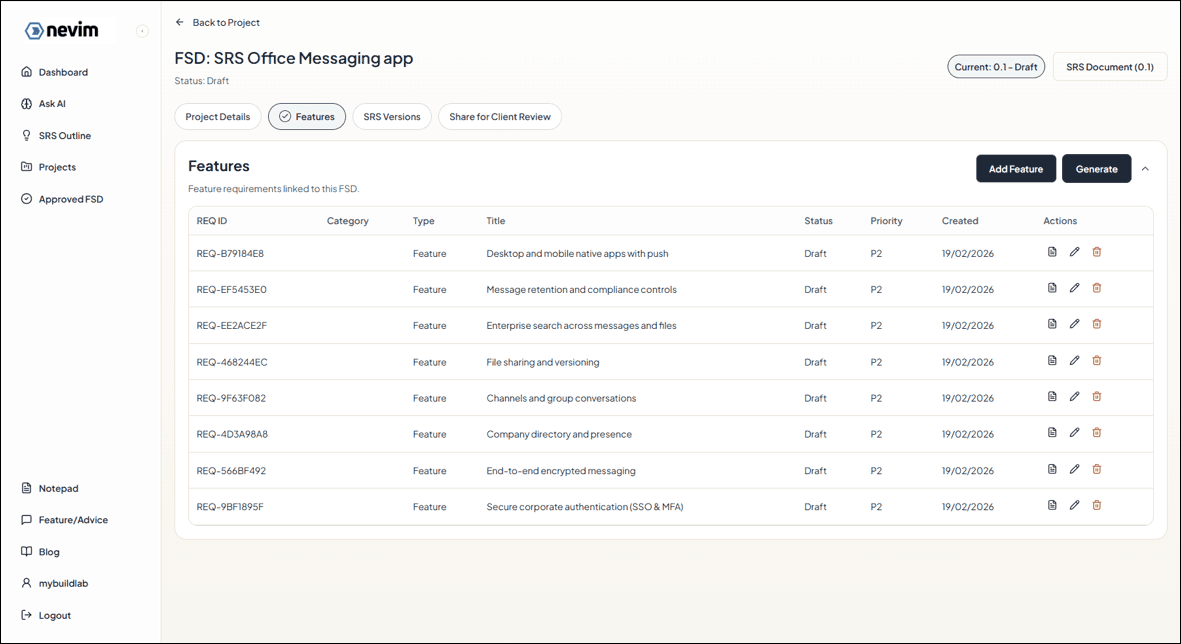
- Feature List: Concrete features to build, ready to import into SRS.
- Non-Functional Requirements: Performance, scalability, availability, security, and UX quality.
- Assumptions & Constraints: Key assumptions and limits that affect delivery.
- Risks & Mitigation: Top risks and how you plan to reduce them.
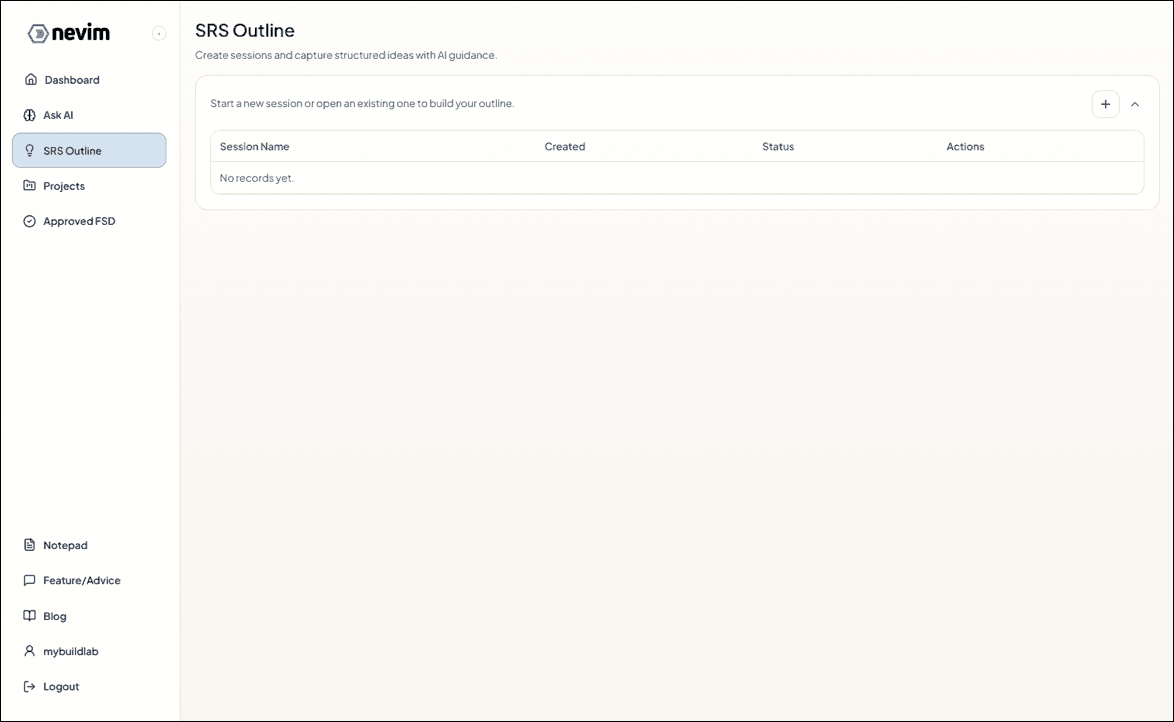
Step 1: Open the SRS Outline list
Start from the outline list and create a new outline.
Step 2: Create a new SRS Outline
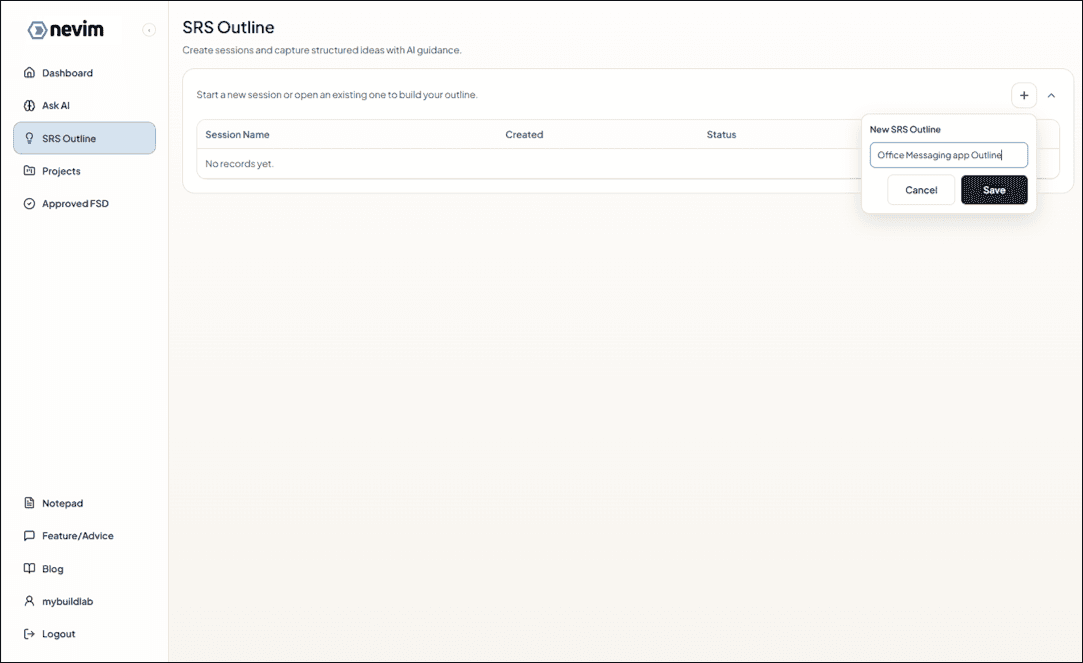
Click Create SRS Outline to begin.
Step 3: See the outline in the list
Your outline appears in the list once it is created.
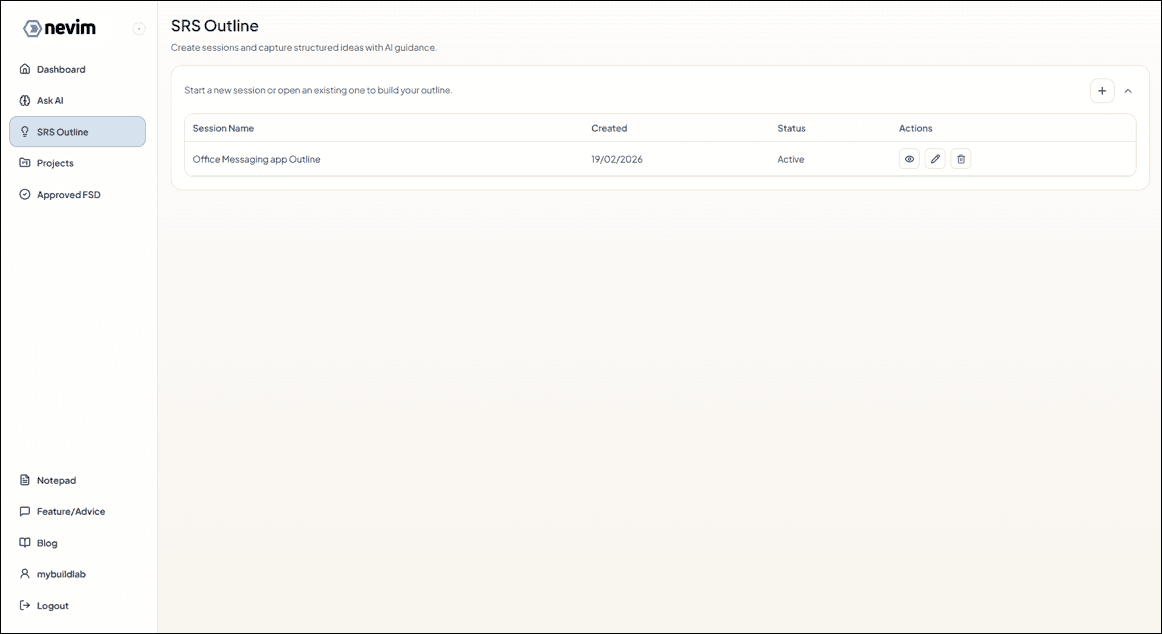
Step 4: Open the outline
Open the outline to add details for each section.
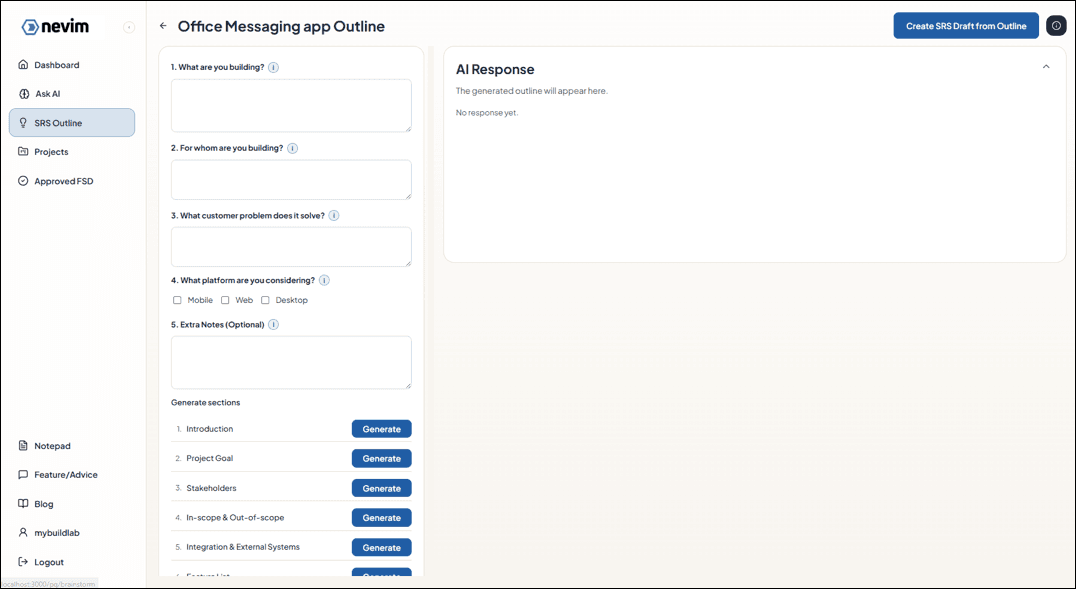
Step 5: Review the outline sections
You will see the sections that need details.
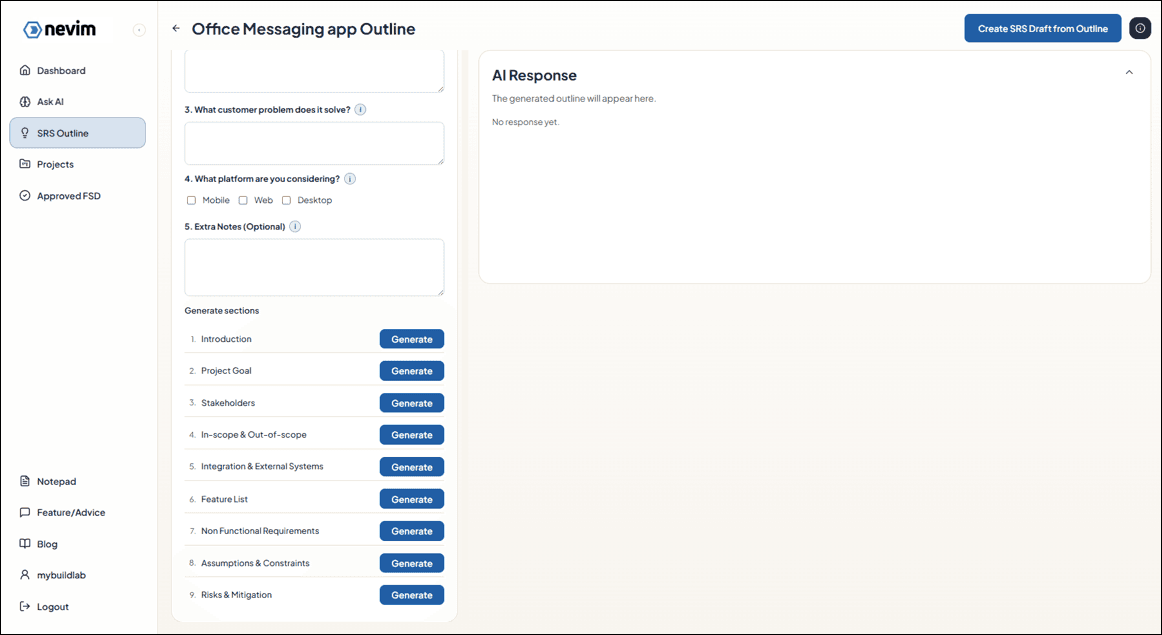
Step 6: Enter outline details
Fill in the key information that AI should use.
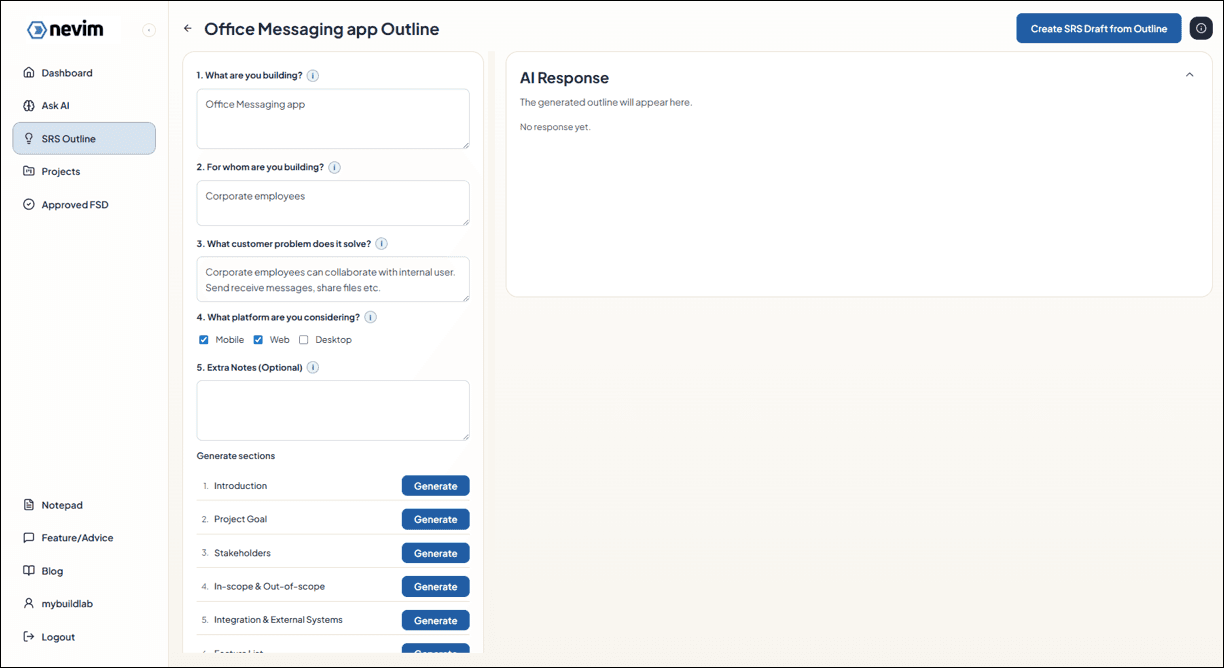
Step 7: Generate sections with AI
Generate each section one by one using AI, then review and adjust.
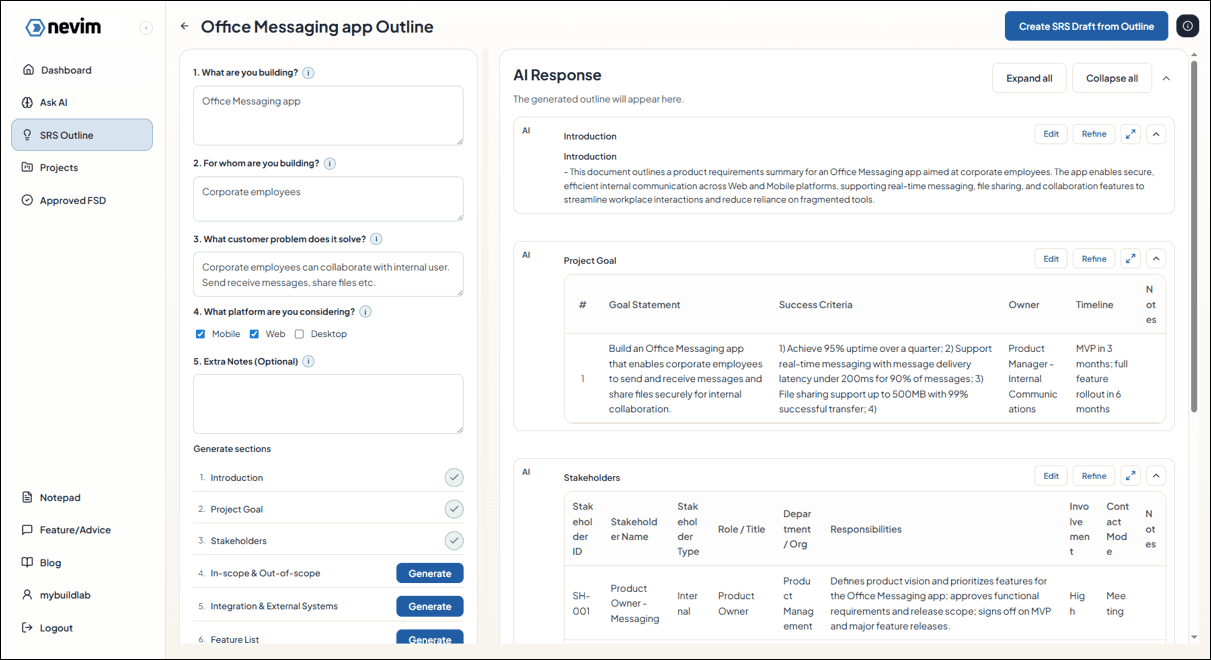
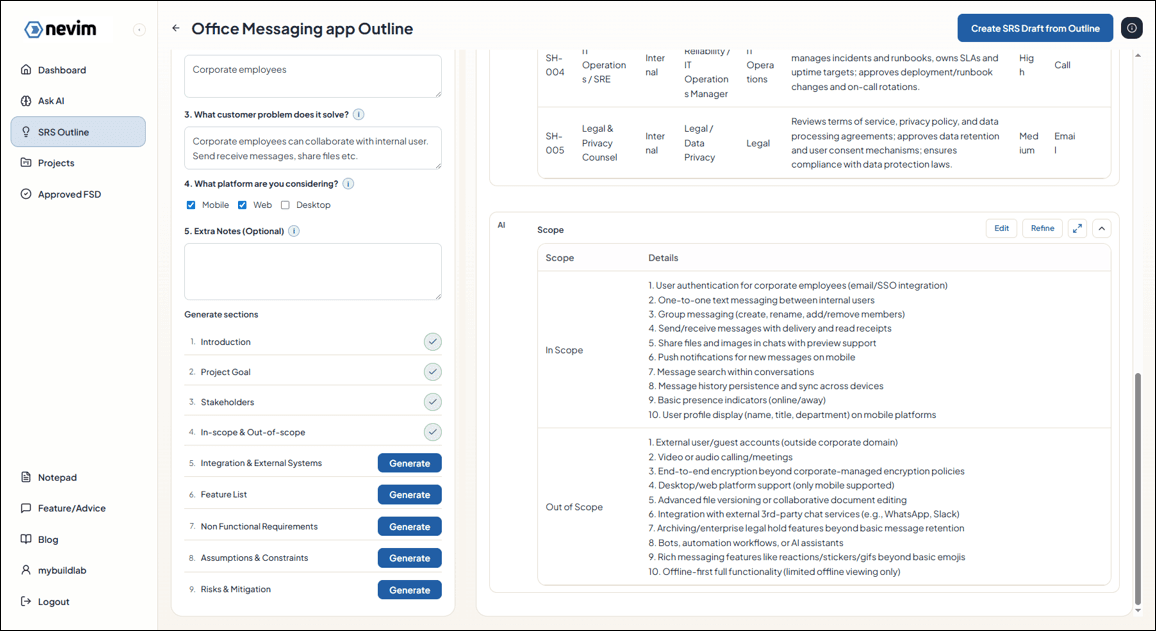
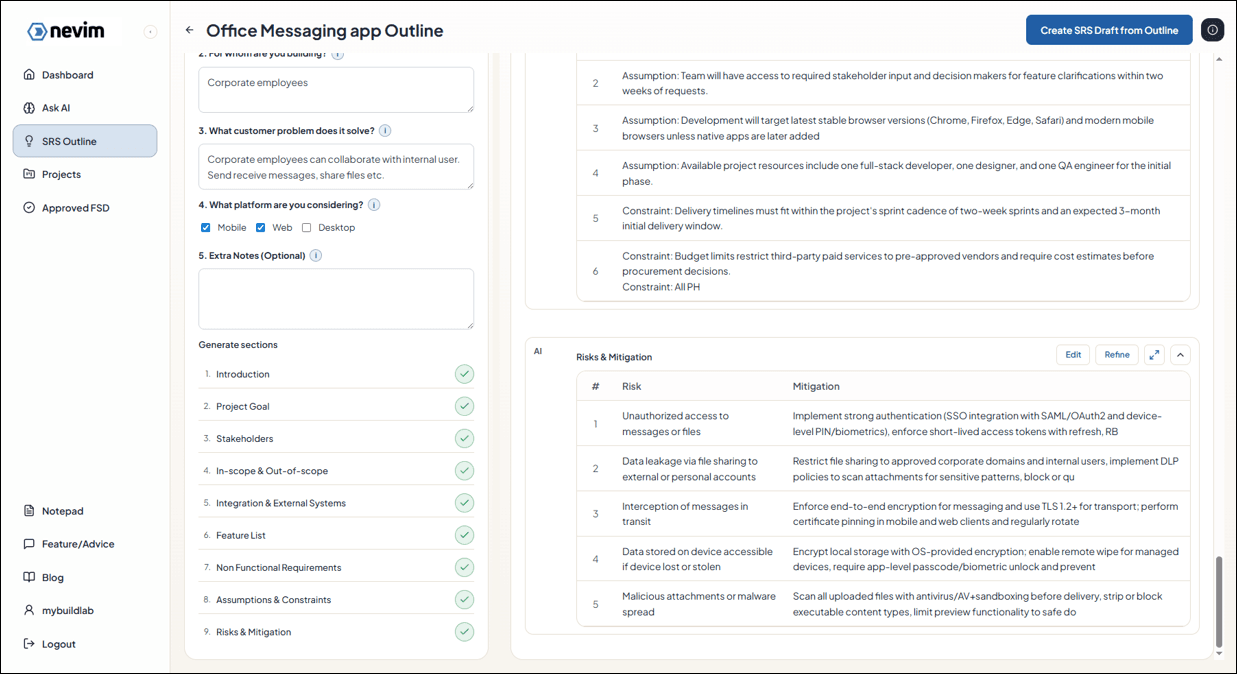
Step 8: Create the SRS from the outline
When the outline looks good, create the full SRS document and select the project it belongs to.
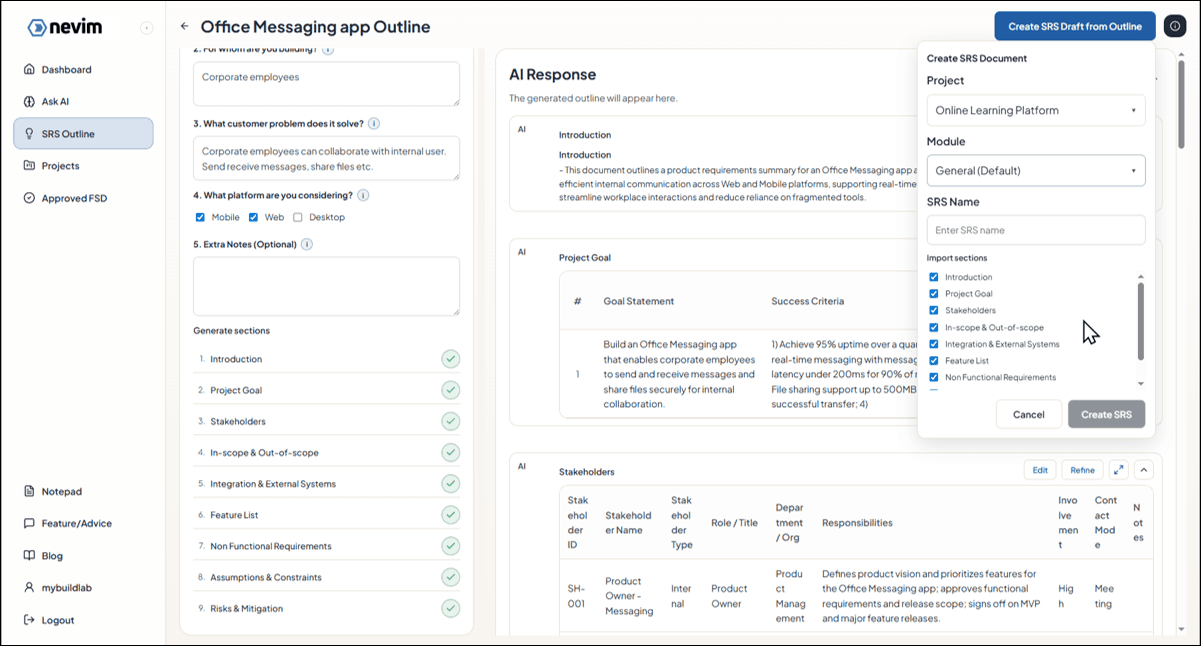
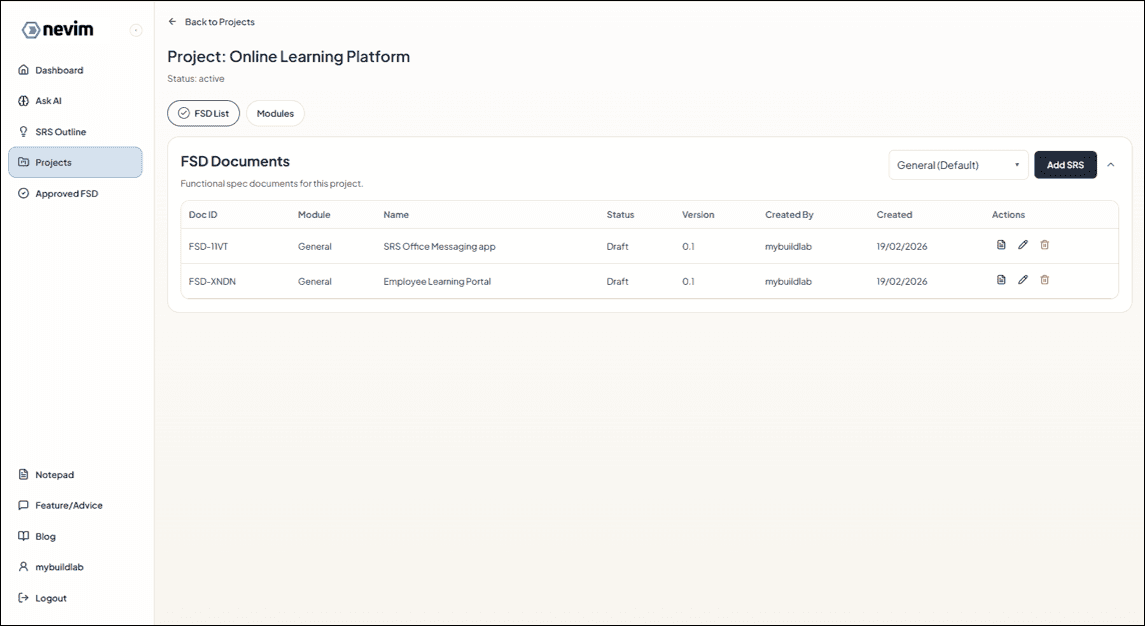
Step 9: See the SRS under the project
Your SRS now appears in the project list.
Step 10: Review the generated details
Project details and feature details are added automatically from the outline.